
Website template market
Browse curated online storefront templates and official layouts to expand your website design catalog.
Website template market
The Website template market screen connects your system directly to an online catalog of professionally built storefront templates, layouts, and page presets. You can explore modern designs for retail, wholesale, dining, or service shops and install them directly into your website.
When you use this
- Discover new industry-tailored designs and responsive eCommerce layouts.
- Preview interactive demos of templates created by official designers.
- Add ready-made homepage setups, catalog grids, and landing pages to your business.
- Review design compatibility before installing templates into your gallery.
Screen layout
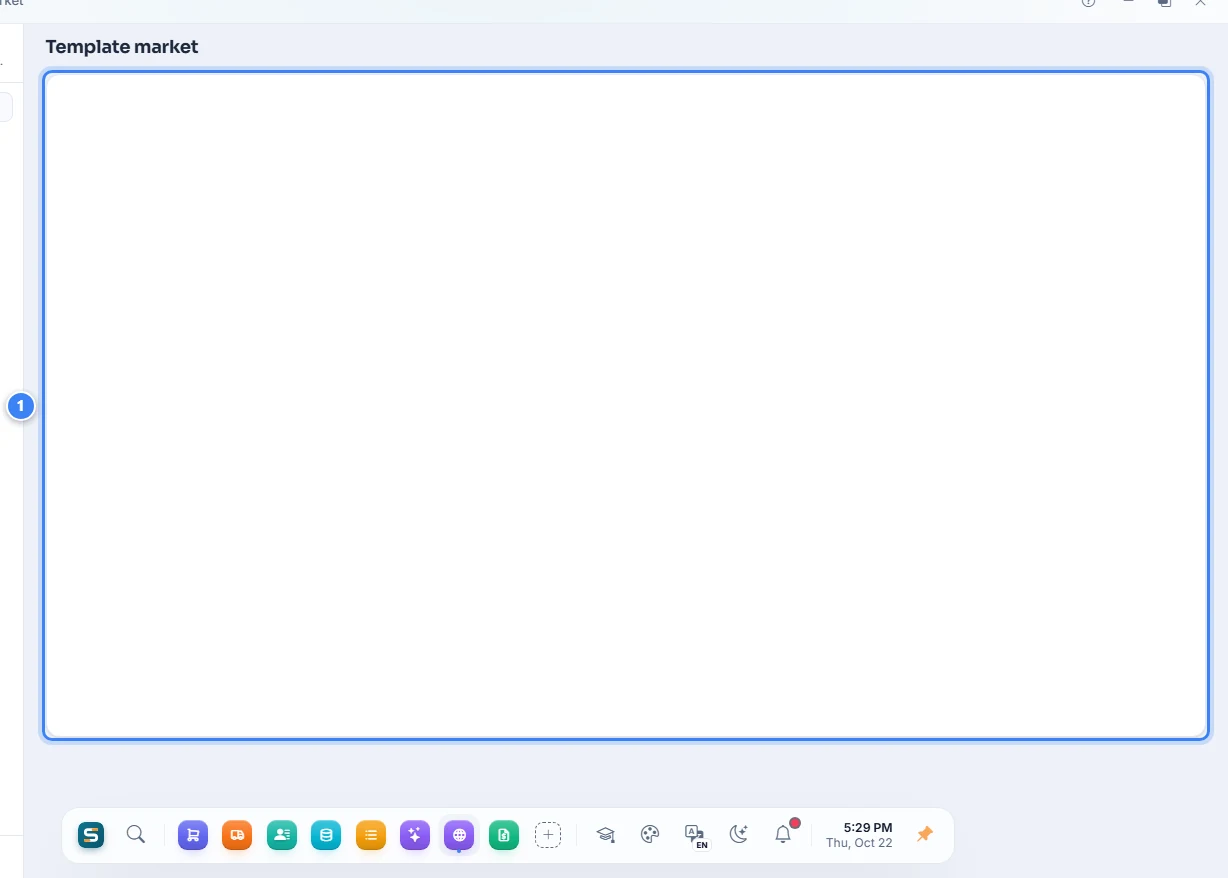 Website template marketplace browser showcasing official designs and layouts
- Marketplace storefront container — embeds online catalog of professionally designed templates.
Step-by-step: Browsing the template market
- Select Website from your main desktop navigation bar and click Template market.
- Wait for the interactive catalog to load inside Marketplace storefront container (1).
- Filter templates by industry sector, visual aesthetic, or store category.
- Click any template card to open a live interactive preview showcasing both desktop and mobile layouts.
- When you find a suitable theme, click the install action to download and unpack the template files into your business themes gallery.
- Return to Website themes and templates grid to open the builder and customize your new theme.
Every field and control
Marketplace catalog container
- Marketplace storefront container — The interactive viewer embedding the marketplace catalog. If an external marketplace URL has not been configured in your system settings, an empty state message informs you that the template market is currently inactive.
Common questions
Are templates from the market free or paid?
The marketplace offers both free starter templates and premium designs. Each template card clearly displays pricing, licensing details, and included page layouts prior to installation.
What happens when I install a template from the market?
The template files are downloaded securely into your system themes repository. It appears immediately in your Website themes and templates grid, ready for you to preview, customize in the visual builder, and make live whenever you choose.
Will installing a new template replace my current live website?
No. Installed templates remain inactive in your gallery until you explicitly select Set as live theme. Your existing storefront remains unaffected while you edit the new template in draft mode.
Related pages
- Website themes and templates grid — View installed themes, check live status, and switch storefront templates.
- Visual website builder — Customize sections, hero banners, and styling on installed templates.
- Install a theme from a repository — Bring in a theme built elsewhere. Uploading a ZIP file is no longer possible.